
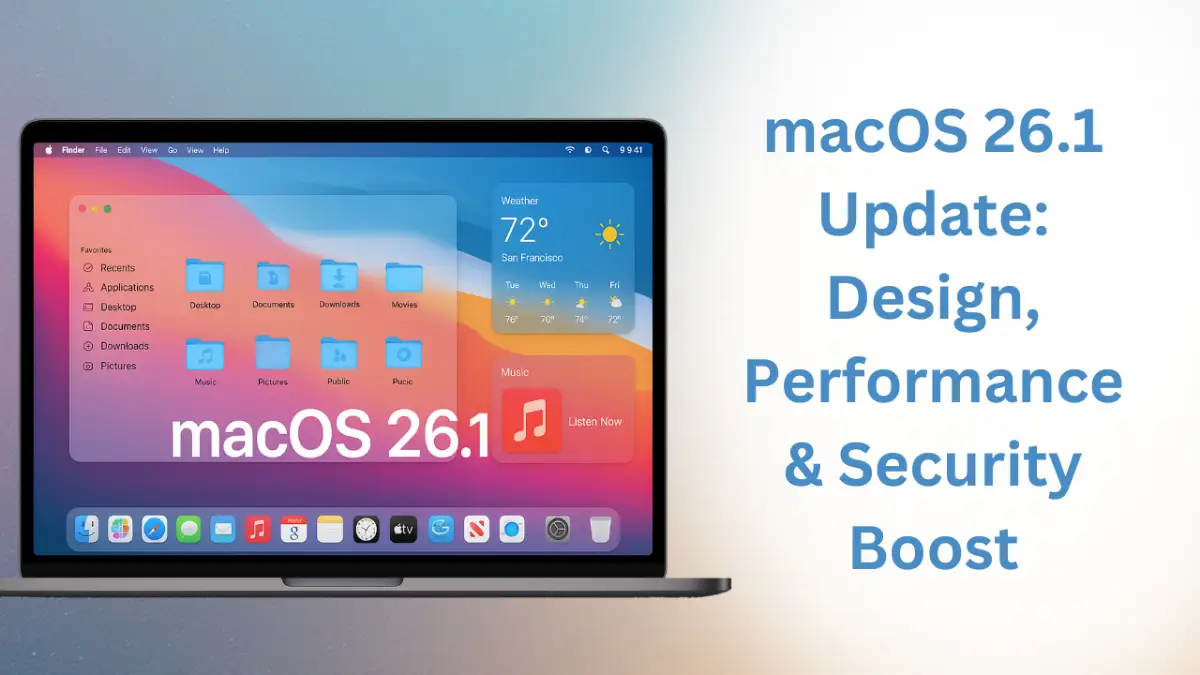
Apple has recently released the macOS 26.1 update, a significant and highly anticipated system upgrade for Mac users. With this update, Apple has introduced not only a fresh design perspective but also several critical improvements in performance and security. Version 26.1 of macOS sets a new benchmark for fluidity and modernity, further enhancing seamless integration across Apple’s ecosystem, including iOS, iPadOS, watchOS, and tvOS.
Liquid Glass Interface: A New Revolution in macOS UI
The most prominent and visually striking feature of macOS 26.1 is its “Liquid Glass” interface. This new user interface offers a glass-like transparent and sleek appearance, refreshing the look of system windows, Dock, app icons, and the menu bar. Liquid Glass comes in two modes — “Clear” and “Tinted.” The Clear mode maintains Mac’s traditional glossy, clean look, while the Tinted mode adds subtle colored transparency, allowing users to customize the interface based on their visual preferences.
This design overhaul not only enhances aesthetic appeal but also provides users with a more immersive experience. The Dock and system icons have been subtly redesigned for a more attractive appearance. Icons for applications like Apple Music, Clock, and Apple TV have also received updates, creating a modern and cohesive visual language throughout the system.
Expanded Multilingual Support and Accessibility Improvements
macOS 26.1 expands language support by adding Dutch, Portuguese, Danish, Norwegian, Swedish, and Chinese. This broadens the system’s accessibility and inclusivity. Apple Intelligence, which provides AI-assisted features on Mac, now interacts more effectively in these languages, making the operating system more intuitive and useful for users worldwide.
Smart Widgets and Enhanced App Performance
With macOS 26.1, widgets have become smarter and adaptive, adjusting automatically to the system’s Light or Dark mode, maintaining a clean and visually consistent interface.
From a performance standpoint, this update delivers notable improvements:
- App indexing has been accelerated, allowing faster opening of apps and files.
- FaceTime audio quality has improved, ensuring clear calls even under low-bandwidth conditions.
- The Music app now includes an “Automix” transition for smooth playlist playback.
- AirPlay compatibility has been enhanced, enabling seamless media sharing across Apple devices.
Strengthened Security and Privacy
Apple has taken robust steps to enhance security in macOS 26.1. Communication safety and web content filters are now enabled by default for users aged 13 to 17, ensuring a safer online experience for younger users. Additionally, backend security architecture has been reinforced to better protect user data against potential threats.
Although some users have reported minor issues with the alarm function and memory management, Apple has acknowledged these concerns and assured that they will be addressed in upcoming updates.
What to Know Before Updating
The macOS 26.1 update is approximately 4.67 GB in size and is currently available as a stable release candidate for beta testers. For non-beta users, it is advisable to wait for the official stable release to avoid minor bugs. Before updating, ensure sufficient storage space on your device and back up important data to prevent any potential issues.
Conclusion
The macOS 26.1 update represents a thoughtful evolution of the Mac operating system, offering a refreshed user experience. The brilliance of the Liquid Glass interface, expanded language support, and enhanced application performance make this update a polished, visually appealing, and responsive OS. Apple has confirmed that minor bugs will be resolved promptly, making this update beneficial for most users. For Mac users, macOS 26.1 is a significant step toward a more modern, faster, and secure platform.
Also Read