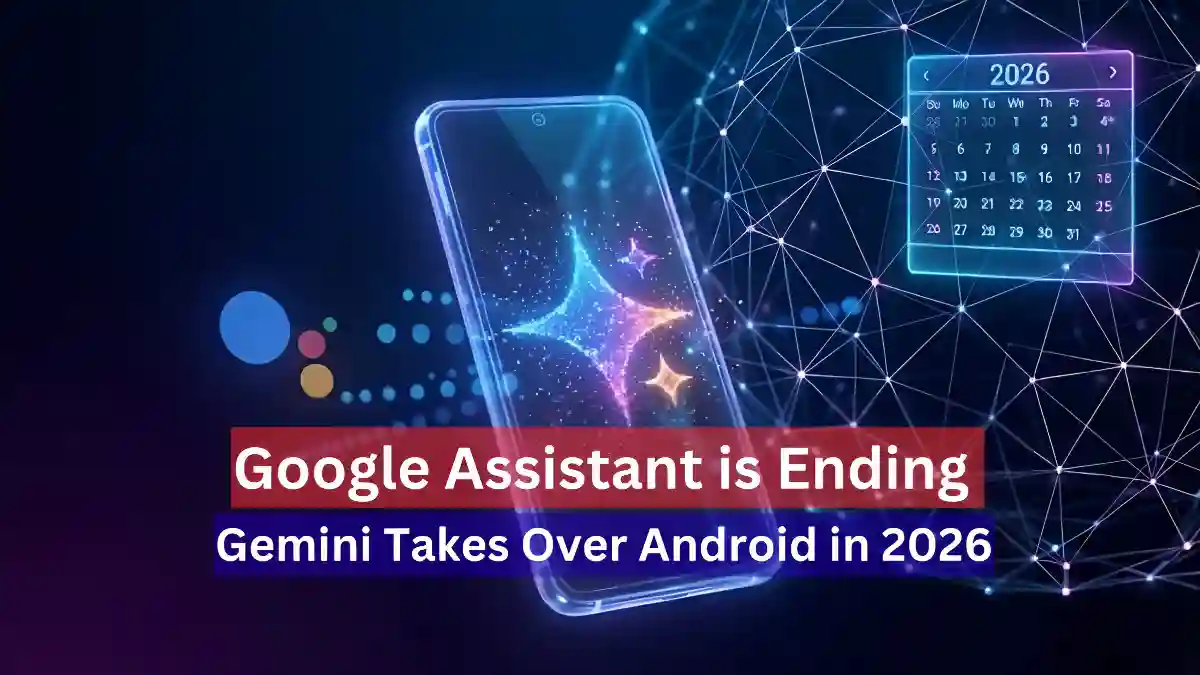
In a major shift that marks the beginning of a new era for Android, Google has confirmed that its advanced Generative AI model, Google Gemini, will officially replace the legacy Google Assistant on Android devices in 2026. While the transition was initially slated for late 2025, the tech giant has pushed the timeline to ensure a “smooth and seamless” experience for billions of users worldwide.
This strategic delay, confirmed in a statement on the Google Gemini Apps Community Forum on December 19, 2025, aims to prioritize user stability and prevent any service disruptions during the critical holiday season. Here is a deep dive into what this change means for your Android experience, device eligibility, and the future of AI.
The Timeline Shift: Why 2026?
Originally, reports from March 2025 indicated that Google was gearing up to make Gemini the default assistant by the end of the year. However, the latest update confirms that the full takeover has been rescheduled to the first half of 2026.
According to industry analysts and company statements, there are two primary reasons for this delay:
- Preventing Holiday Disruption: Migrating a core system utility like Google Assistant during the busy festive season could lead to user frustration if bugs were to arise. Google aims to avoid technical hiccups when user activity is at its peak.
- Feature Parity: While Gemini is powerful, it is still catching up to Assistant in basic utility tasks. Essential features like managing smart home routines, setting complex timers, and seamless media controls are still being refined to match the reliability of the legacy Assistant.
Gemini vs. Google Assistant: A Generative Leap
The transition from Assistant to Gemini isn’t just a rebrand; it is a fundamental shift in technology. While Google Assistant relied on command-based scripts, Gemini is built on a Generative AI foundation.
Key Differences:
- Context Awareness: Unlike the rigid “trigger word” responses of the past, Gemini understands the context of your conversation, remembering previous queries to provide a natural flow.
- Multimodal Capabilities: Gemini can process text, voice, images, and code simultaneously. It can “see” what is on your screen and answer questions about it.
- Deep Integration: With features like Gemini Live, the AI offers real-time conversational abilities. For example, you can ask Gemini to “Draft an email for my meeting based on this calendar invite,” and it will execute the task autonomously.
Note for Users: Until the official rollover in 2026, Google Assistant remains fully active. You can continue using “Hey Google” for all your daily tasks without interruption.
Device Eligibility: Will Your Phone Support Gemini?
Not every device running Android will be able to handle the computational power required by Gemini. Google has outlined specific hardware requirements to ensure optimal performance.
Minimum Requirements:
- Operating System: Android 10 or higher.
- Memory: Minimum of 2GB RAM (though 4GB+ is recommended for smooth AI processing).
Legacy Devices: Older Android phones, as well as older IoT devices like first-generation smart speakers and soundbars, will likely not receive the Gemini update. These devices rely heavily on the hard-coded architecture of Google Assistant and lack the NPU (Neural Processing Unit) capabilities needed for modern generative models.
Additionally, iOS users will see changes too. The standalone Google Assistant app on iPhones is expected to be phased out, with Google consolidating its AI services under the Gemini brand app.
Impact on India and Local Language Users
For global markets, particularly India, the shift to Gemini promises a significant upgrade in local language processing. Reports suggest that Gemini’s Large Language Model (LLM) training includes extensive datasets in Indian languages, promising far superior natural language understanding in Hindi and regional dialects compared to the current Assistant.
Empowering Creators and Professionals
This update is a massive win for content creators, journalists, and researchers. The integration of tools like NotebookLM, AI video detection, and Semantic Search means users can summarize documents, brainstorm video ideas, and research complex topics directly through their phone’s assistant interface.
How to Switch to Gemini Now
You don’t have to wait until 2026 to experience the future. Google currently allows users to run both assistants in parallel or switch manually.
- Download the Google Gemini app from the Play Store.
- Open the app and follow the on-screen prompts.
- Select “Switch to Gemini” in the settings when prompted.
If you find Gemini missing certain features you love, you can easily revert to Google Assistant via the settings menu. This flexibility ensures you are never locked into a workflow that doesn’t work for you.
Also Read
- Xiaomi Launches MiMo-V2-Flash: A New Open-Weight AI Model Taking on DeepSeek Head-On
- Meta’s Big Bet: ‘Mango’ and ‘Avocado’ Accelerate the New AI Race
- Samsung Introduces Exynos 2600 — World’s First 2nm Smartphone Processor, Set to Debut in the Galaxy S26 Series
- Google Launches New Experimental AI Agent ‘CC’, Set to Transform Everyday Productivity