
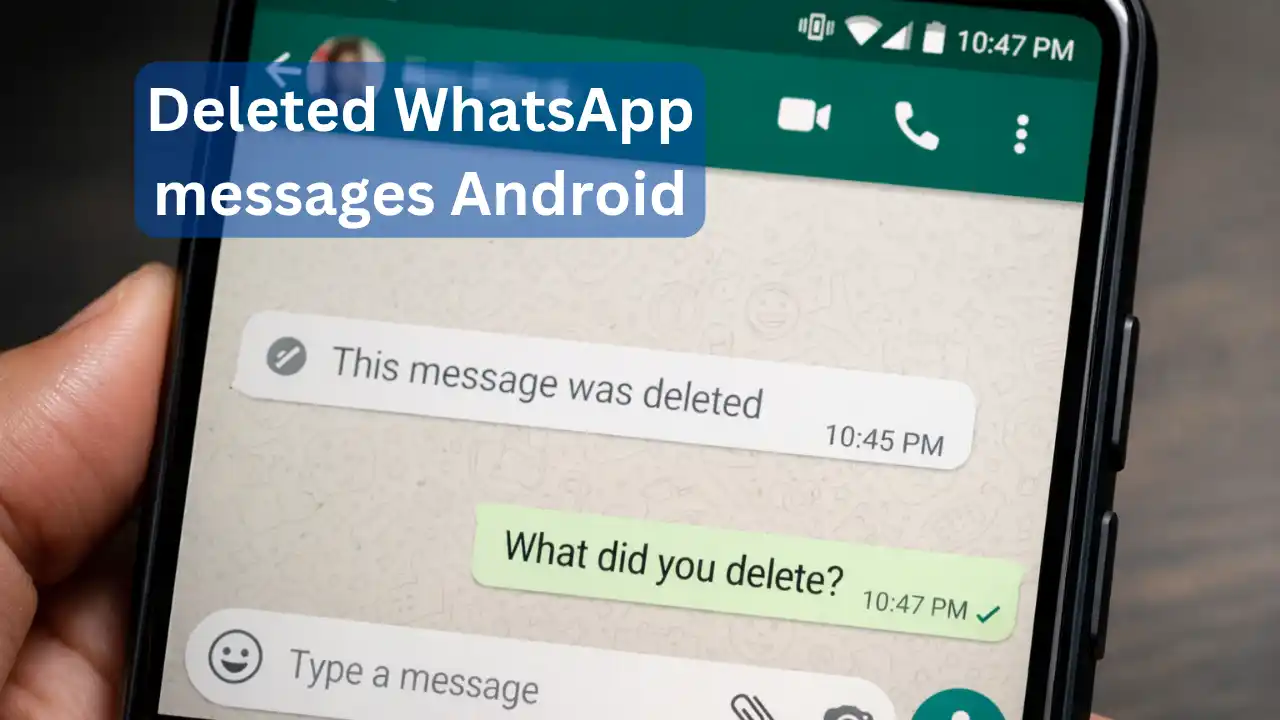
Deleted WhatsApp messages Android: WhatsApp is no longer just a way to talk. Whether it is important office documents or everyday family conversations, study groups or private chats—today almost every task has come down to this one app. In such a situation, when the other person suddenly deletes a sent message with “Delete for Everyone” and only “This message was deleted” appears on the screen, it is completely natural for questions to arise in the mind. After all, what was there in that message that is no longer visible?
Very few people know that on Android phones, many times a deleted WhatsApp message can be seen through a system feature that is already present. For this, neither any kind of hacking is required nor is there a need to install any third-party app.
This is not a WhatsApp feature, but an Android feature
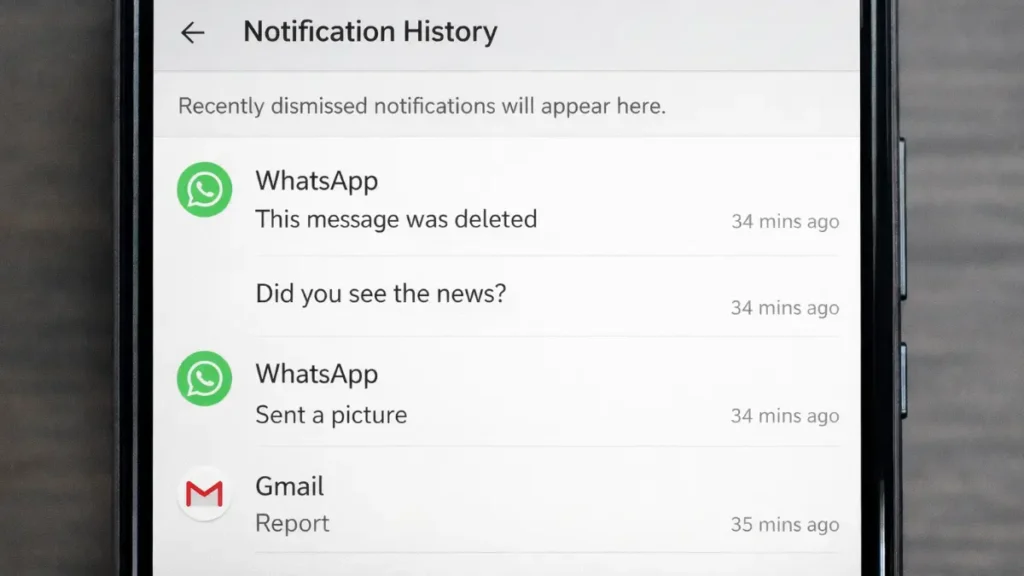
This feature does not belong directly to WhatsApp. Actually, in the Android operating system, an option called Notification History is provided. Whenever a message comes on WhatsApp, a part of it gets saved in the phone as a notification. Later, if that same message is deleted, even then in many cases its record may still be present in the notification history.
This feature comes inbuilt in newer Android versions, but by default it remains turned off.
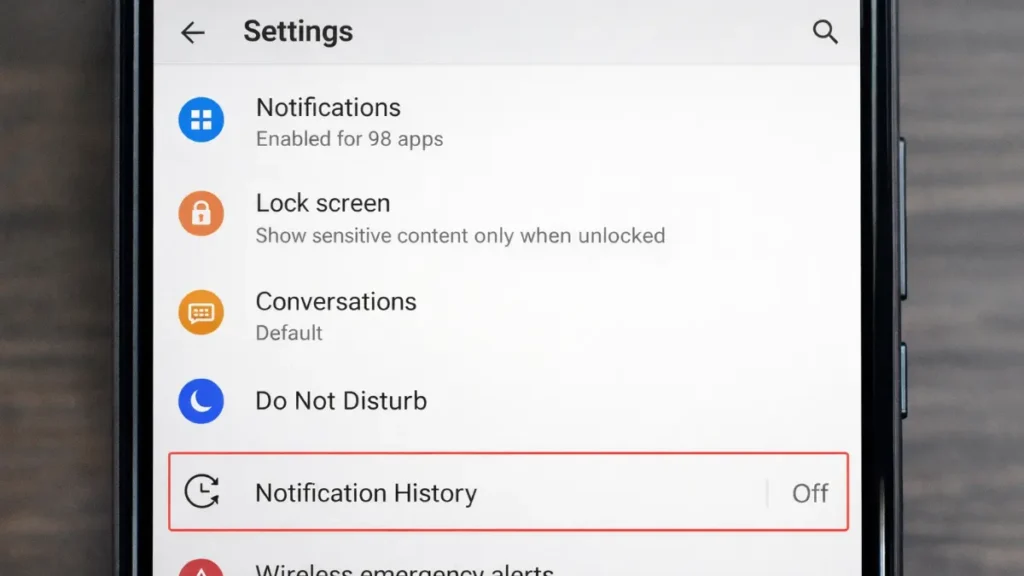
How to turn on Notification History
- Open Settings on your Android phone
- Tap on Notifications
- Here you will find the option Advanced or directly Notification History
- Turn ON Notification History
Once this setting is turned on, all notifications that come on your phone—whether from WhatsApp or any other app—keep getting saved automatically in the system.
How to see a deleted WhatsApp message
If someone has deleted a message after sending it, you can check it like this:
- Go to Settings > Notifications > Notification History
- Find the notifications from the time when the message had arrived
- In many cases, you may be able to see the message text there
However, there is no guarantee that this will work in every situation. It completely depends on whether the notification was recorded in the phone at that time or not.
What are the limitations of this method
Notification History is not a magical solution. Some practical limitations are also associated with it:
- Only text messages are visible
- Photos, videos, voice notes, GIFs, or stickers do not appear in it
- If the phone was on silent or WhatsApp notifications were turned off, the message will not be saved
- Long messages often appear incomplete
- In group chats, identifying the correct message can be difficult
- This feature is not available on iPhone
What to keep in mind regarding privacy
Since no external app is used in this, this method is technically considered safe. But after Notification History is turned on, OTPs, bank alerts, emails, and other private notifications also start getting saved on the phone.
In such a situation, it is important that the phone lock is strong and if the phone goes into someone else’s hands, they should not be able to easily access your notification history.
For Android users, this feature can be helpful in situations where confusion remains regarding deleted WhatsApp messages. However, it is better to use it with understanding and keeping privacy in mind.