
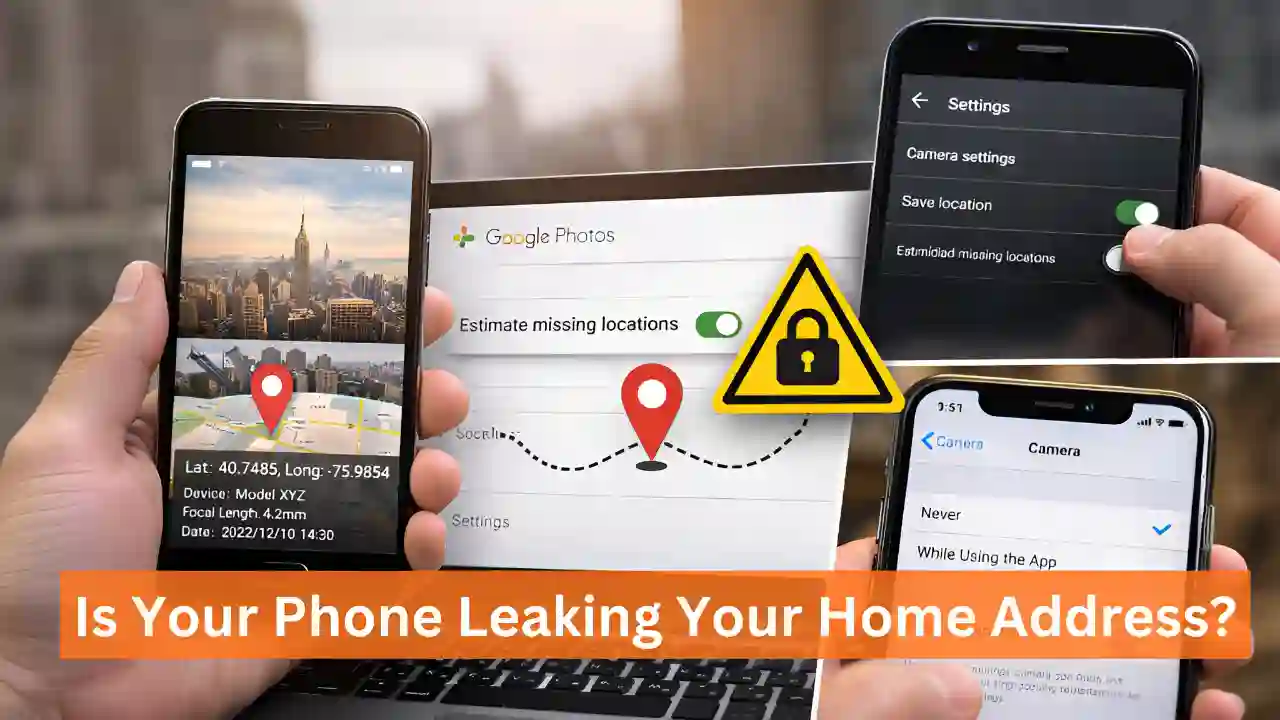
In today’s digital age, we love capturing every special moment on camera. But have you ever thought that when you click a photo from your phone, it’s not just an image? In reality, every photo hides sensitive information related to Photo Location Privacy.
Most smartphone users don’t even realize that their exact GPS location is being recorded along with their photos. This information can become a serious threat to your digital security. If you are serious about your privacy, this article is for you. Let’s understand how this works and how it can be stopped.
What is Location Metadata and EXIF data?
Whenever you press the camera button on your phone, it saves a data file along with the image, known as EXIF data (Exchangeable Image File Format). This metadata may include the following information:
- The exact date and time when the photo was taken.
- The smartphone model and camera settings.
- GPS Coordinates: The precise location where the photo was captured.
Imagine this: if you share an indoor photo of your home on social media, any stranger can download that photo and find out your home address. That’s why cybersecurity experts always advise staying alert about Photo Location Privacy.
What is Google Photos Estimate Missing Locations feature?
Google Photos uses Artificial Intelligence (AI) to improve user experience. One such feature is “Estimate Missing Locations.” This feature works for photos that do not already have GPS data.
Google estimates where a photo might have been taken by using your location history and identifying landmarks. However, keeping privacy in mind, Google now gives users the option to turn this feature off. If you don’t disable it, location data may continue to be added to your photos without your permission. You can check these settings by visiting Google Photos Settings.
How to manage Photo Location Privacy on your smartphone?
The most effective way to protect your privacy is to stop giving location access to your camera app. Follow the steps below:
Settings for Android users:
- First, open your Camera App.
- Tap on the Settings (⚙️) icon at the top or corner.
- Here, you will see an option like “Save Location” or “Geo-tagging” — turn it Off immediately.
- Additionally, go to the main phone Settings > Apps > Camera > Permissions and set Location to “Don’t Allow”.
Settings for iPhone (iOS) users:
- Go to Settings and tap on Privacy & Security.
- Under Location Services, select Camera.
- Set it to “Never”. This ensures that no future photos will contain location data.
How to remove location metadata from old photos?
If your phone already has many photos with saved locations, you can remove them manually:
Using the Google Photos app:
- Open the Google Photos app and select the photo whose location you want to remove.
- Tap the “i” (Info) button or the three dots at the top.
- In the details section, you’ll see a map. Tap the Edit icon there and choose “Remove Location”.
Using the iPhone Photos app:
- Swipe up on the photo.
- Tap Adjust next to the address shown below.
- Select the “No Location” option.
Pro tip: Whenever you share a photo from an iPhone, go to ‘Options’ and turn off “Include Location.” This way, the location will remain in your original photo, but it won’t be visible to the recipient.
Some important tips for digital privacy
In the age of social media, maintaining Digital Privacy is a challenge. To stay safe, keep these points in mind:
- Sensitive locations: Always check location data before sharing photos taken inside your home, your children’s school, or your office.
- Social media settings: Apps like Facebook and Instagram often ask for location access while uploading photos — deny these permissions.
- Regular checks: Periodically review your Google account’s Privacy Checkup.
A small precaution on your part can protect you from major cyber threats. Change your phone settings today and secure your Photo Location Privacy.
Also Read