
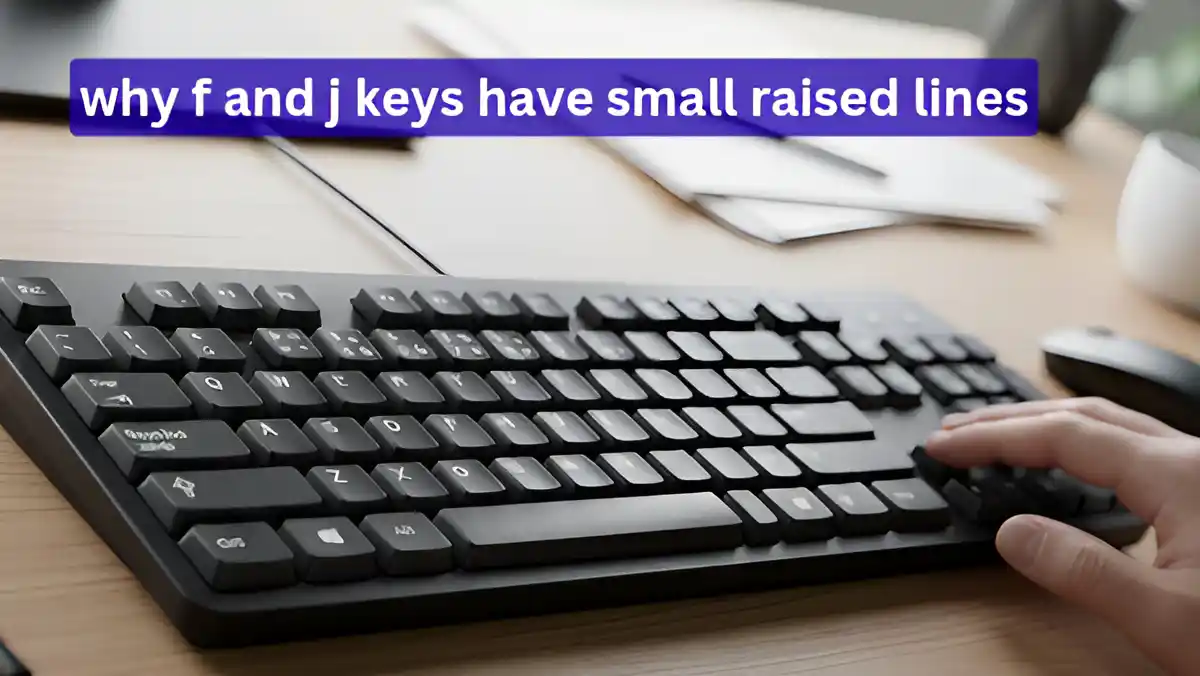
In today’s digital age, the keyboard has become an integral part of our daily lives. Whether you are working in an office, coding, or chatting on social media, your fingers constantly move across the keyboard. But have you ever noticed that the ‘F’ and ‘J’ keys on your keyboard have two small raised lines (bumps) on them?
This is not a minor design detail, but a fine example of engineering and ergonomics. Exactly 23 years ago, this seemingly small change was patented, permanently transforming the way people type around the world. Let’s explore on 1Tak Tech Geeky the interesting history and scientific reasoning behind this keyboard design.
The Secret of the F and J Keys on the Keyboard: A 23-Year-Old Patent
In 2002, an American designer patented this idea, officially registered under the number US6667697B2. In technical terms, these raised lines are known as ‘tactile markers’. Their primary purpose is to help users identify the position of their fingers on the keyboard without looking.
Interestingly, even in 2025—despite rapid technological advancement—nearly 95% of commercial keyboards still follow this 23-year-old design standard. Whether you use a basic keyboard or a premium mechanical board, these two raised markers are almost always present.
The Scientific Purpose of Tactile Markers and the ‘Home Row’
Typing on a keyboard follows a standard layout known as ‘QWERTY’. In this layout, the middle row is referred to as the ‘home row’.
- Left hand: Your fingers should naturally rest on A, S, D, and F.
- Right hand: Your fingers should rest on J, K, L, and the semicolon (;).
- Center point: The F and J keys serve as the central reference points of the home row.
The raised lines on these keys help typists feel that their hands are positioned correctly. This encourages the development of ‘muscle memory’, allowing the brain to recognize the correct keys without looking at the keyboard.
Touch Typing: The Skill of Typing Without Looking
The technique of typing without looking at the keyboard is known as ‘touch typing’. It was introduced in 1888 by Frank Edward McGurrin, who popularized the concept of the home row. However, early typewriters did not feature these raised markers.
The 2002 patent by June E. Botich made this feature essential for modern computer keyboards. Research shows that with the help of these tactile markers, an experienced typist can easily achieve speeds of 60 to 100 words per minute (WPM), as their eyes remain focused on the screen instead of the keyboard.
Health and Productivity: Reducing the Risk of RSI
This keyboard design not only improves typing speed but also supports better health. Prolonged typing with incorrect posture increases the risk of Repetitive Strain Injury (RSI), which can cause significant pain in the wrists and fingers.
Key Benefits of Tactile Markers:
- Reduced error rate: Proper finger positioning can lower the chances of pressing wrong keys by up to 30%.
- Better posture: When you do not look at the keyboard, your neck and spine remain aligned, which is healthier in the long run.
- Inclusivity: For visually impaired users, these markers serve as a primary tool for navigating the keyboard.
The Evolution of Keyboard Technology in 2025
By 2025, the keyboard industry has advanced significantly. Today, switches like V5 Creamy Blue Pro and Type R offer a smooth, refined typing experience. Modern mechanical keyboards now use technologies such as ‘gasket mount’ designs and ‘Hall effect switches’.
What is truly remarkable is that even highly advanced hybrid keyboards like the Huntsman V3 Analog, which allow users to customize actuation depth, continue to retain these small bumps on the F and J keys.
Also Read