With its latest update, Phone Link (formerly Your Phone) has become smarter and more user-friendly than ever. Based on official Microsoft support pages and technical guidelines, this application provides seamless connectivity between Android phones and Windows 10/11 PCs. It allows users to manage calls, texts, notifications, and photos directly from their PC, and several advanced features now enhance both productivity and user experience.
Highlights
- Easy Pairing Process: Secure connection between devices via QR code
- New Capabilities with Existing Features: Copy text from photos, audio playback, notification management
- Comprehensive Integration: Contact sync and Android app mirroring for PC keyboard-mouse control
Key Requirements: What You Need for Connection
Connecting devices via Phone Link requires some basic system prerequisites. According to Microsoft’s official guidelines:
- PC: Windows 10 May 2019 Update or later
- Android Phone: Android 7.0 (Nougat) or newer
- Microsoft Account: Both devices must use the same Microsoft account to securely share sync data and settings
Setup Made Simple with These Steps
- Install the App and Sign In
- Open the Phone Link app on your PC. If unavailable, install it from the Microsoft Store.
- Install the Link to Windows app on your Android phone (accessible via aka.ms/yourpc).
- Sign in to the same Microsoft account on both devices to ensure secure data sync and recognition.
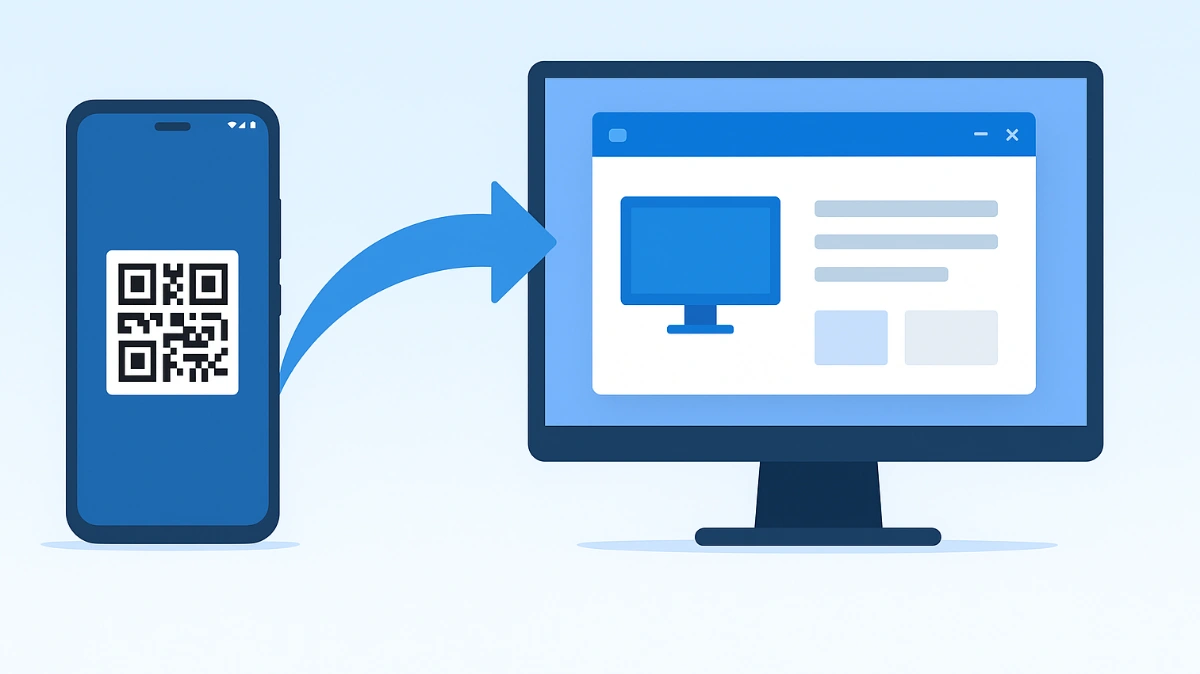
- Pairing via QR Code
- On your PC, select “I have the Link to Windows app” in the Phone Link app.
- Scan the QR code on your PC using the Link to Windows app on your Android device.
- Once scanned, a secure and stable link is established between the two devices.
- Grant Necessary Permissions
- Allow access to calls, texts, notifications, and photos on your phone.
- Once permissions are granted, data transfer between devices becomes seamless, and several features start working immediately.
New Features and Advanced Functionalities
The latest Phone Link update introduces several powerful features that make the user experience more intuitive:
- Copy Text from Photos
Users can now copy text directly from images to their PC, making note-taking and document preparation easier. - Device-Level Audio Playback Control
Play audio from your phone directly on your PC, enabling effortless control over music, podcasts, or other media without interruptions. - Notification Control
Android notifications can be viewed and managed on the PC with customized settings, including which notifications appear, where they are stored, and when they alert you. - Contact Sync
Sync contacts from Android with Microsoft Teams or other apps, streamlining communication tasks and simplifying dialing or messaging. - Android App Mirroring
Control Android apps using your PC keyboard and mouse. This feature allows comfortable access to mobile apps on a larger screen, especially beneficial for multitasking.
Who Benefits the Most
- Users who prefer controlling their phone from a PC instead of constantly picking it up.
- Individuals seeking better integration between devices—calls, texts, notifications, and photos in one unified experience.
- Content creators and productivity-focused users who want to manage Android apps from their PC for faster workflows.
Usage Indicators and Performance Tips
- Network Stability: Ensure a stable internet connection and check Bluetooth/Wi-Fi links if connection issues arise. Connectivity may sometimes fluctuate through HDMI drives or USB hubs.
- Permission Priority: Grant all permissions correctly to avoid delays in data access.
- Keep Updates Current: Apply the latest updates on both Microsoft and Android platforms to benefit from new features and security enhancements.
Points to Consider
- Some features may be device-dependent. Older models or Android devices with limited ROM may not support all advanced functionalities, but the basic setup remains effective.
- Security: Maintain a secure Microsoft account password and enable two-factor authentication to ensure the connection remains safe.
Conclusion
The latest Phone Link update enhances seamless interoperability between Windows and Android. Along with basic functions like calls, texts, notifications, and photos, it now offers advanced features such as copying text from photos, playing audio on PC, customizing notifications, and Android app mirroring. These improvements are especially beneficial for users seeking better integration between devices and a more efficient workflow.
Also Read