
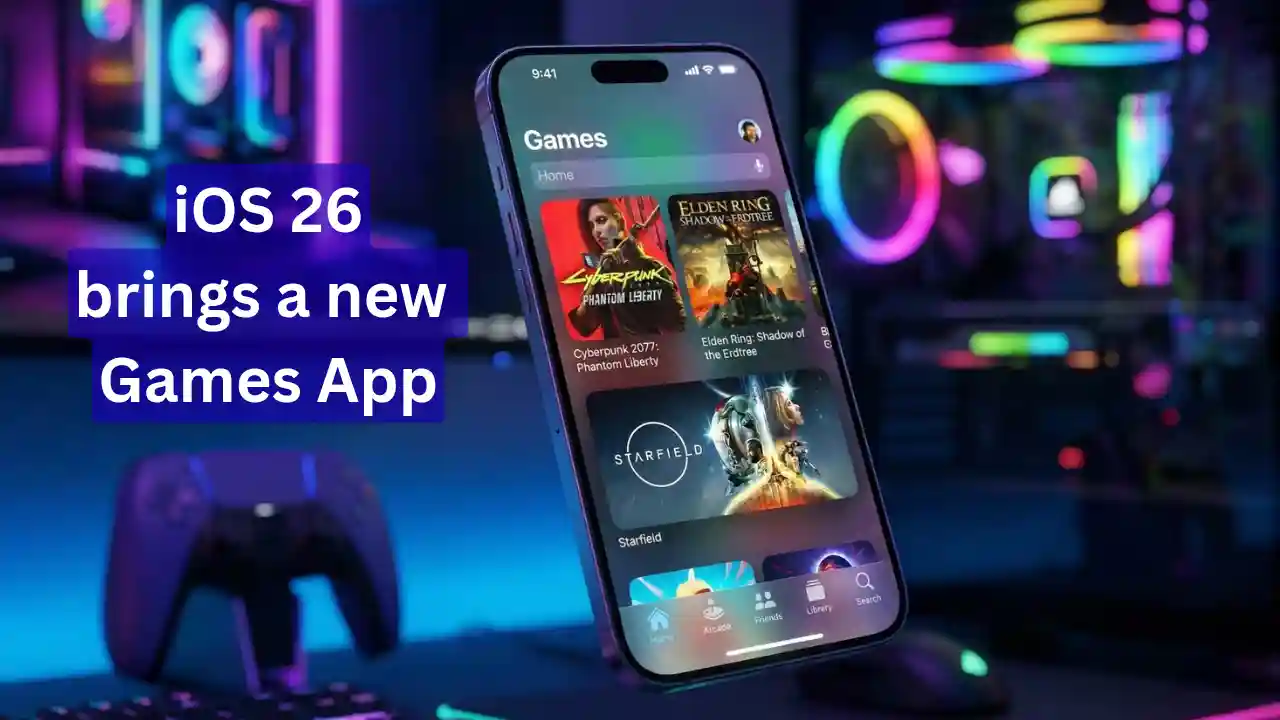
Apple has always focused on making its ecosystem super user-friendly, but iOS 26 is turning out to be a game-changer for gamers. iPhone users have long demanded a dedicated space to manage all their games. Apple is delivering exactly that with the launch of the iOS 26 Games App.
This isn’t just a folder or shortcut—it’s a full gaming hub that elevates your iPhone gaming experience to console levels. Especially after the iOS 26.2 update, which improved controller support even further, this app is stealing the spotlight.
iOS 26 Games App: What Exactly Is It?
In simple terms, the iOS 26 Games App is your central gaming hub on iPhone, iPad, and Mac. What used to be buried in Game Center settings is now a powerful standalone app. Apple calls it a “personalized home for games and playing with friends.”
Its main goal? To end the fragmentation. No more swiping through screens to find games from the App Store, Apple Arcade, or third-party sources. From casual titles to AAA blockbusters, everything’s under one roof now.
Why Is It Special for Gamers?
- Unified Library: All your installed games in one spot.
- Cross-Platform Sync: Play on Mac? Your data syncs seamlessly to iPhone.
- Social Integration: Challenging friends is as easy as sending a WhatsApp message.
5 Key Tabs in the Games App
Apple designed this app thoughtfully, with five main tabs for effortless navigation. Check out the table below for a detailed breakdown of these sections:
| Tab Name | Functionality | User Benefit |
|---|---|---|
| Home | Recent games played, new recommendations, and friends’ live activity. | Quick access and easy discovery. |
| Arcade | Collection of 200+ premium games, ad-free. | Curated list for Apple Arcade subscribers. |
| Friends | Game Center profiles, friend requests, and challenges. | Boosts social gaming and community building. |
| Library | Installed games, achievements, and cloud saves. | The best way to keep your games organized. |
| Search | Browse by category (action, puzzle, racing). | Finding your favorite game is a breeze. |
iOS 26.2 Update
The iOS 26.2 update, released in December 2025, has supercharged the Games App’s usefulness. It fixed early shortcomings and added major upgrades.
1. Advanced Controller Navigation
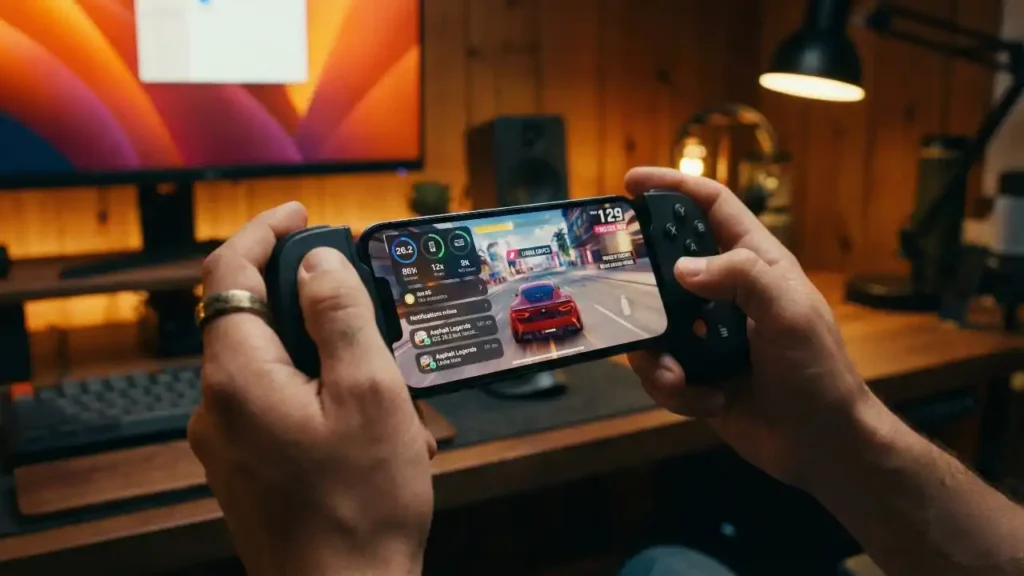
The biggest upgrade? No more switching between touch screens and controllers. The entire Games App interface is now controller-friendly. Navigate the whole thing with your PS5 DualSense or Xbox controller.
2. Smart Filtering and Sorting
Finding games in the library used to be tricky. Now sort by ‘Size’, ‘Last Played’, or ‘Alphabetical Order’. A lifesaver for users with 50+ games installed.
3. Real-Time Score Updates
In multiplayer games, friends’ scores update in real time now. It makes online gaming competitions even more thrilling.
What’s Special for Global and Indian Gamers?
This move signals Apple’s push into the global gaming market. In India, where mobile gaming is exploding, iOS 26 Games App support for Hindi and local events is a welcome touch.
Game Center vs New Games App: What’s Changed?
- Visibility: Game Center was hidden in settings; Games App lives on your home screen.
- Features: Game Center was just social; Games App adds content discovery and management tools.
- Integration: Smoother sync across Mac, iPad, and iPhone.
For more details, visit Apple’s official website.
Also Read
- Long ads will no longer run on YouTube and Facebook! Vietnam makes a historic decision—5-second skips are mandatory.
- India’s Digital Strike on AI Deepfakes: Every Video Will Now Carry a ‘Truth Label’ — Here’s What the New Rules Say
- A year’s worth of work in just 60 minutes! This post by a Google engineer has caused a stir in the tech world.
- Is the distinction between real and fake over? Adam Mosseri issues a new decree regarding ‘AI Slop’!